Connect your menu without sharing your password
Use your GloriaFood Fetch Menu key or upload a menu JSON export. Categories, products, sizes and options enter a separate review workspace.
More heart. Less chaos.
Digital menus, online ordering, reservations and QR table orders. From the first ingredient to the last table served, keep your restaurant moving in sync.
14-day trial · Choose the services you need
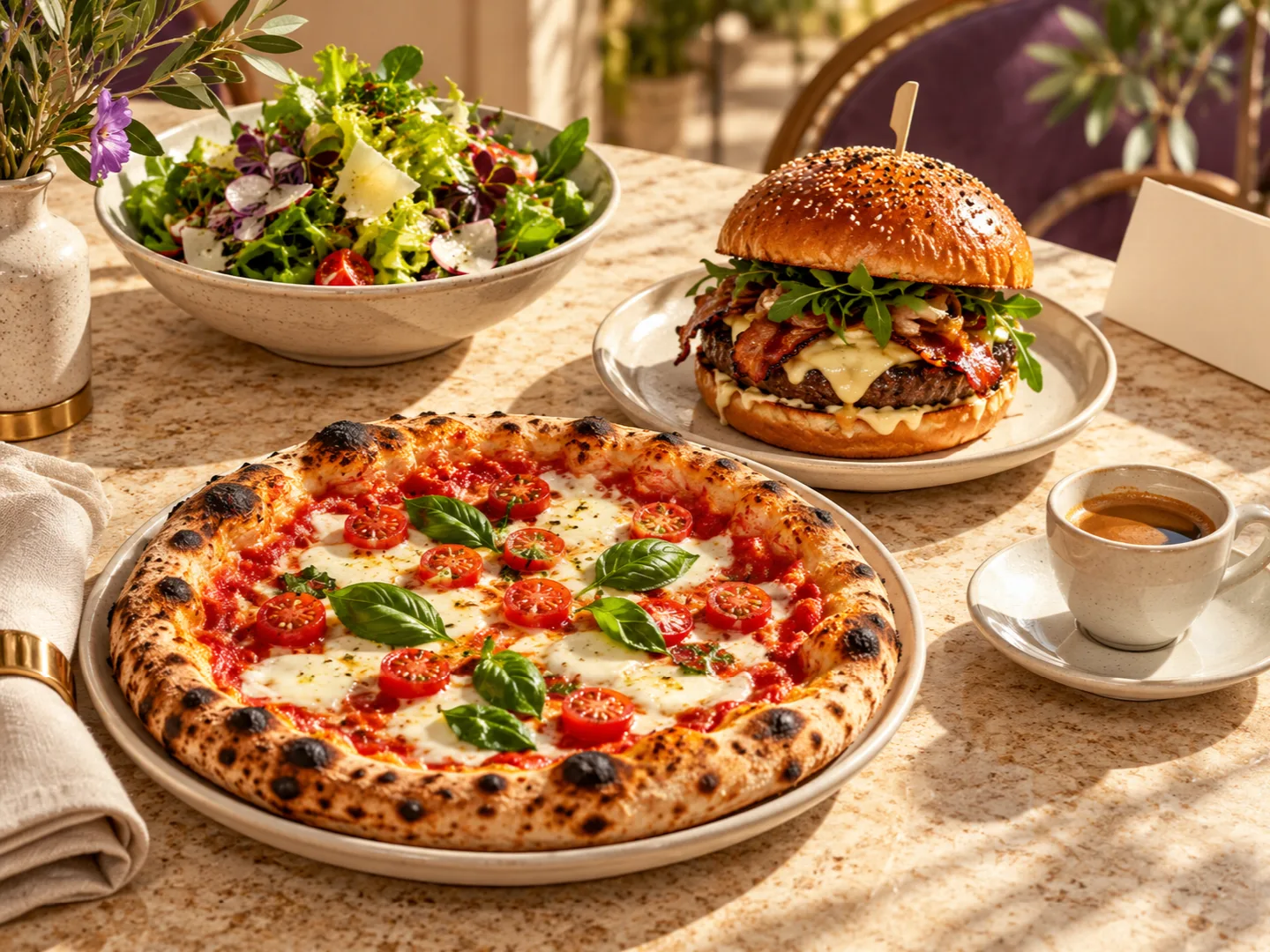 Where a good experience begins.
 Your hospitality. One shared rhythm.
One place for what matters
Enable what you need at each location. One identity, one team, a clearer picture.
From first click to final plate
A flow that connects the floor and the kitchen, without losing sight of the people who make it all possible.
Name, cuisine, tables, menu and services. Step by step.
With your identity and the channels you choose.
Orders and their status, in a connected kitchen.
Visual demonstration. Creates no orders and sends no notifications.
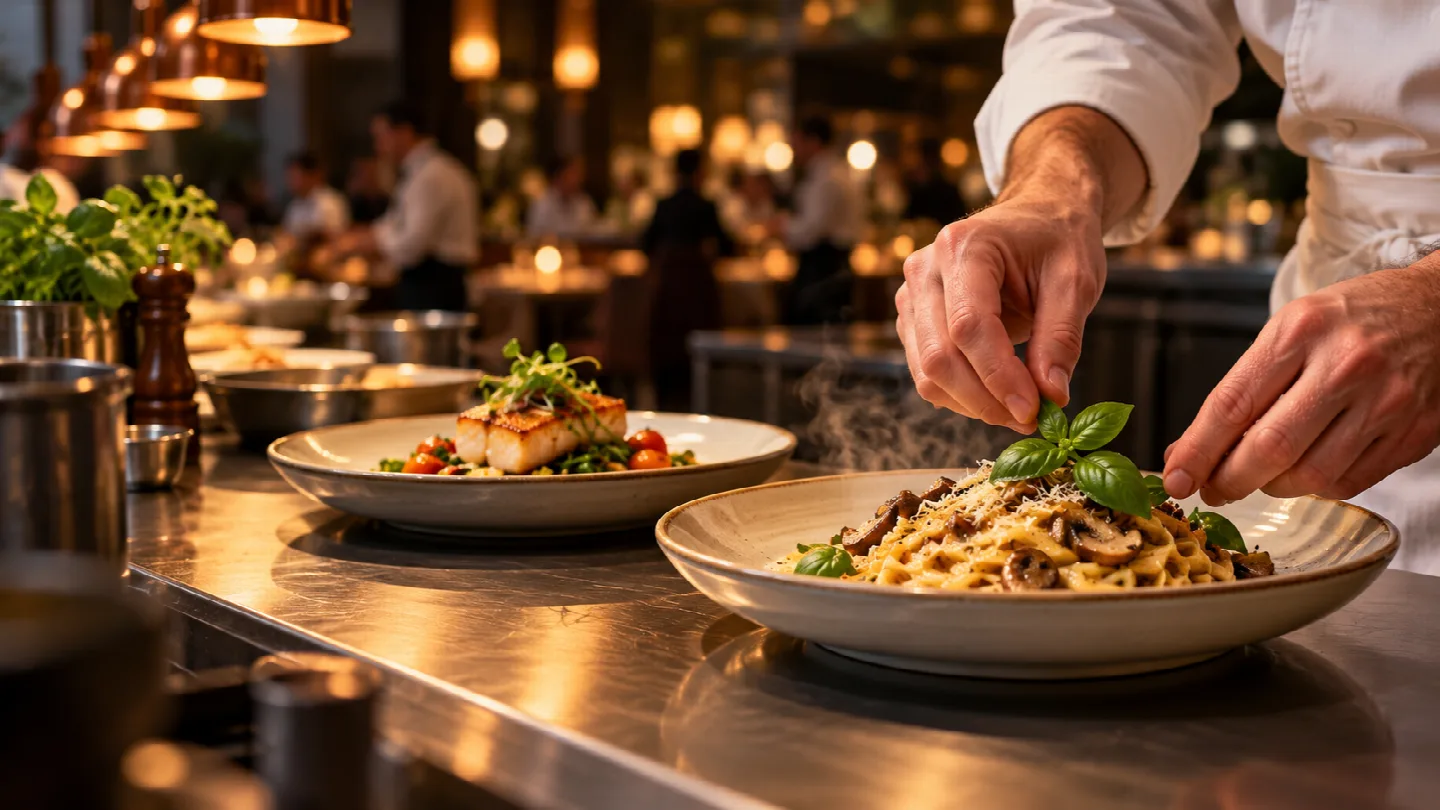
A menu with personality. A team with the right access. A clear picture of your orders. More room for what you do best.
Your menu moves forward
Already have a menu in GloriaFood? Import it into ZionFood and review products, prices and options before publishing. Then set up reservations, QR tables, delivery and the kitchen in one place.
Prepare your menu migrationUse your GloriaFood Fetch Menu key or upload a menu JSON export. Categories, products, sizes and options enter a separate review workspace.
The report highlights prices, selection rules, allergens and available nutrition data. Resolve warnings and incompatibilities before publishing.
Approve the result, publish the menu and test ordering. On reimport, review differences and conflicts with your local ZionFood edits.
Photos, opening hours, delivery areas and order history are not automatically transferred through this import. Food declarations and prices need restaurant review. ZionFood is an independent service, not affiliated with GloriaFood.
How the official Fetch Menu API works ↗Let’s clear up the details
A few useful things before you start. No promises hidden in the small print.
Yes. Migration Center accepts the official Fetch Menu key or a menu JSON file. Preview the result and verification report, then approve publication. Size prices and option rules need review; photos, opening hours and delivery areas are configured separately.
No. At each location you can choose pickup, delivery, reservations and table QR orders independently. Configure what suits the way you work.
ZionFood includes a public menu with your restaurant’s identity. You do not need to build a separate website for that menu. A custom domain requires separate configuration.
Each table has a permanent QR code. Staff can close and reopen its menu. Ordering stops before venue closing according to your chosen cutoff, such as 30 or 60 minutes.
Not yet. Online payment processing and reservation deposits are in preparation. The Payments menu is currently informational and does not collect payments.
Create an account and follow the guided setup for your restaurant, tables, menu and services. Onboarding includes a 14-day trial. The interface is available in Romanian and English.
Your next chapter starts here
Bring your menu, guests and team onto the same page. Start with what you need today.
Start with ZionFood14-day trial · Choose the services you need